If you love getting lost in a good book but also like jotting down ideas, making notes, or sketching things out as inspiration hits, you’re going to love the Kindle Scribe. It’s not just another e-reader. This is Amazon’s most premium Kindle yet, made for people who read a lot, think a lot, and like having everything in one place. Whether you’re reading a bestseller, writing to-do lists, marking up PDFs, or just doodling between chapters, the Kindle Scribe makes it all feel smooth, simple, and kind of magical. It looks great, feels amazing to use, and gives you that satisfying “pen-on-paper” vibe with all the perks of modern tech.
Key Features
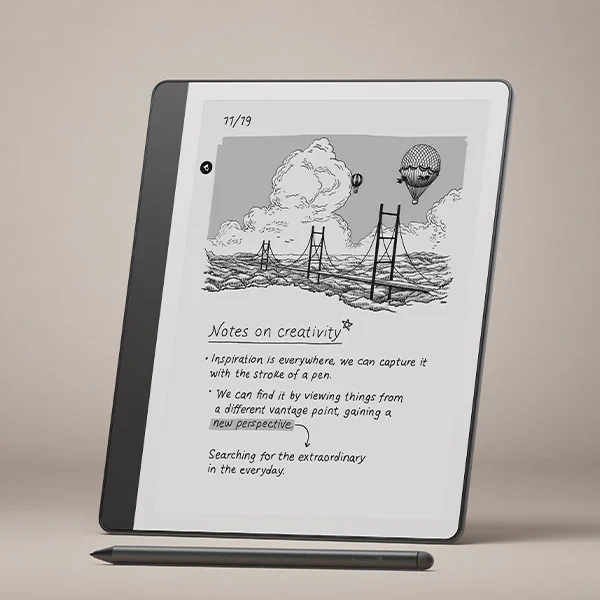
Large 10.2-inch Paperwhite Display with Paper-Like Feel
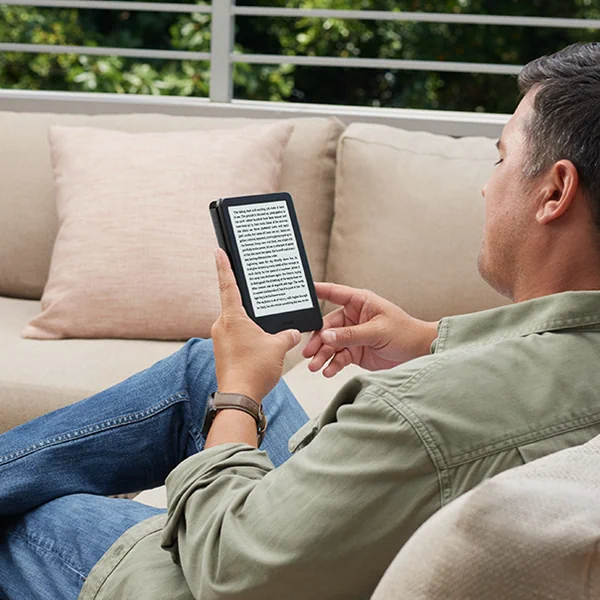
The Kindle Scribe sports a generous 10.2-inch Paperwhite display, boasting a sharp 1872 x 1404 resolution with 300 ppi for crisp text and detailed images. The redesigned flush-front display features uniform white borders that make writing and reading feel natural, almost like paper. The glare-free front-lit screen is perfect for reading and writing anytime, indoors or outdoors.
Premium Pen with Natural Writing Experience
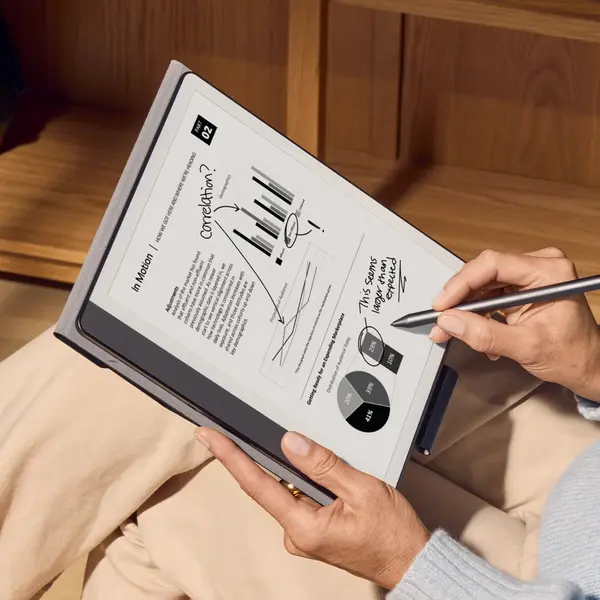
The Kindle Scribe’s upgraded Premium Pen is included out of the box—no charging or setup required. Designed for instant responsiveness, it features a customizable shortcut button and a soft eraser on the opposite end. Writing on the textured screen feels remarkably close to writing on paper, whether you’re jotting notes, highlighting, or sketching.
Write Directly in Books with Active Canvas
A standout feature is Active Canvas, which lets you start writing directly on a book page and automatically creates margin space for your notes. You can expand or collapse these margins to suit your note-taking needs, with notes tied contextually to the text—even if you change font sizes. This functionality brings a new depth to reading by blending note-taking seamlessly into the text.
Built-In Notebook and Document Markup
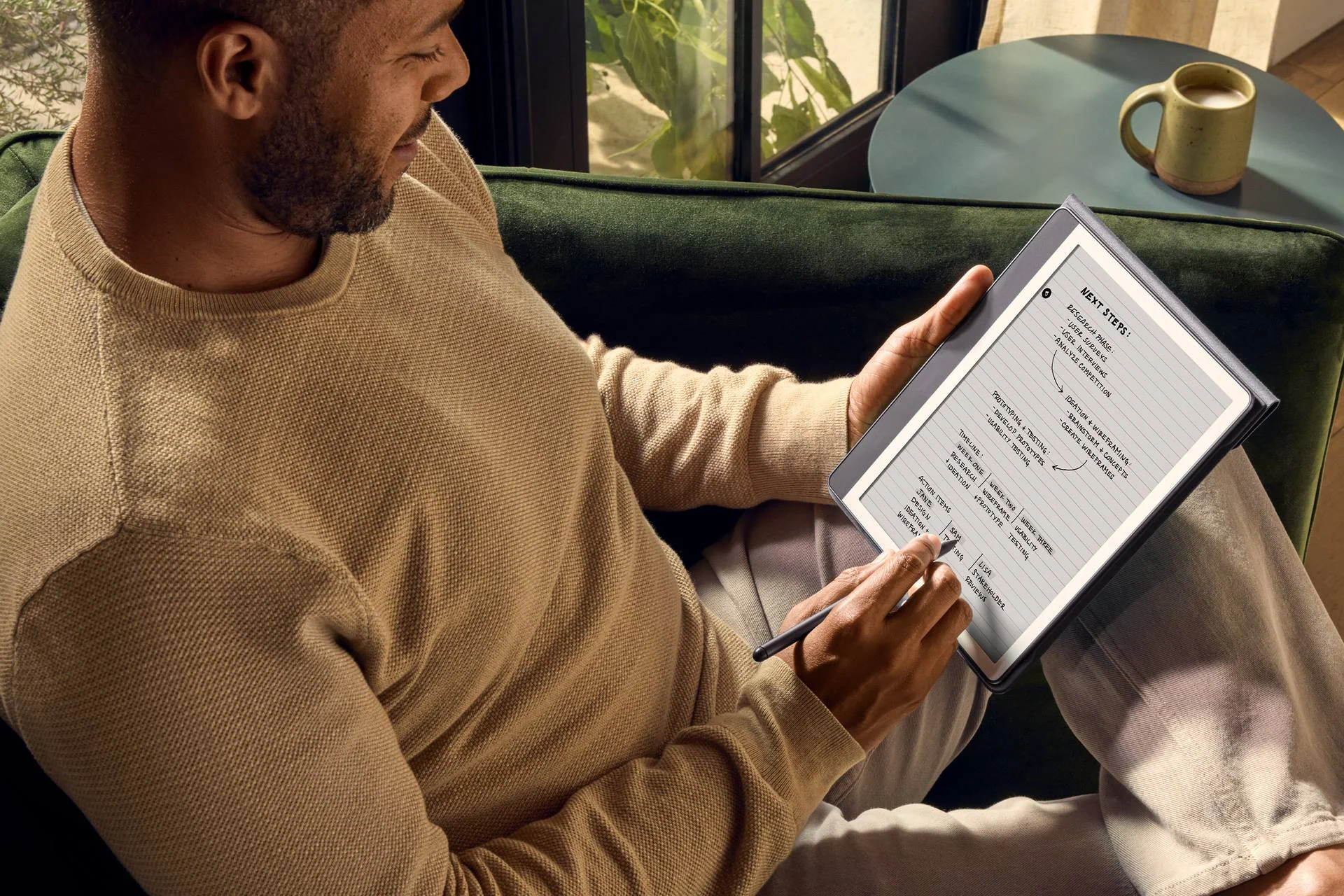
The Kindle Scribe also acts as a full-fledged digital notebook. You can create meeting notes, to-do lists, journals, or sketches all in one place. Import documents and PDFs easily via Send to Kindle (including direct imports from Microsoft Word with a Microsoft 365 subscription) to mark up, annotate, and review on the go.
AI-Powered Notebook Tools
Amazon includes powerful AI tools to help you get more out of your notes. The Kindle Scribe can summarize notebooks, allowing you to customize the length and tone of the summaries to quickly review key points. You can also refine handwriting into a polished, script-like font, giving your notes a neat, professional look. These AI tools can save significant time for students, professionals, or writers who want to organize and polish their thoughts effortlessly.
Long-Lasting Battery Life
True to Kindle tradition, the Scribe offers up to six weeks of battery life on a single charge, depending on usage. This means you can rely on it during long flights, commutes, or extended study sessions without worrying about frequent recharging.
Durable and Weather Resistant
Built for everyday life, the Kindle Scribe has an IPX8 water resistance rating and IP6X dustproof certification, ensuring it withstands splashes, brief submersions, and dusty environments.
Distraction-Free Environment
Unlike tablets, the Kindle Scribe is designed solely for reading, writing, and marking up documents. There are no notifications, social media, or other distractions, helping you focus fully on your work or reading.
Hands-On Experience
Using the Kindle Scribe was a refreshing experience. The large display feels natural and spacious, especially when reading textbooks or PDFs. Writing with the Premium Pen felt fluid and precise, with minimal latency. The ability to expand and collapse margins for notes using Active Canvas means you’re never limited in what you can write.
The built-in notebook templates made it easy to keep everything organized, from meeting notes to personal journals. Exporting notes as text and emailing them directly from the device is straightforward and convenient.
The AI tools add a smart layer of productivity: summarizing pages and refining handwriting saves time and improves readability without needing a separate app or computer.
How Does It Compare?
When stacked against other e-readers, the Kindle Scribe carves its niche nicely. The Kobo Forma and Onyx Boox Nova Air offer similar large screens and note-taking functions, but Amazon’s ecosystem, with its vast Kindle Store and seamless integration, gives the Scribe a clear edge for avid readers. While Kobo leans towards a more open format and Onyx targets power users with Android flexibility, Kindle Scribe strikes a good balance for everyday users wanting simplicity and robust note features.
Who Is the Kindle Scribe For?
The Kindle Scribe is ideal for:
- Readers who want more screen real estate to enjoy books or PDFs comfortably;
- Students and researchers who need to annotate textbooks and articles;
- Writers and creatives who want a digital sketchbook or notebook;
- Professionals who need to review and markup documents on the go.
If you’re looking for an all-in-one device that goes beyond reading, the Kindle Scribe is worth considering.
Final Toughts
Amazon’s Kindle Scribe is a game-changer in the e-reader space. It elevates reading with its large, crisp display and adds powerful note-taking capabilities with a responsive stylus and intelligent AI tools. With excellent battery life, durable design, and a distraction-free environment, it fits seamlessly into both casual and professional workflows. For anyone who reads, writes, or sketches digitally, the Kindle Scribe is a compelling choice.
Specifications at a Glance
- Display: 10.2-inch Paperwhite E Ink (300 ppi);
- Resolution: 1872 x 1404 pixels;
- Battery Life: Up to 6 weeks;
- Storage Options: 16 GB or 32 GB;
- Dimensions: 183 x 147 x 9.1 mm;
- Weight: 384 g;
- Operating System: Customized Android-based OS;
- Connectivity: Wi-Fi, Bluetooth;
- Water Resistance: IPX8 (waterproof), IP6X (dustproof);
- Stylus: Premium Pen included, no charging required, shortcut button, soft eraser.
P.S. Need a foldable protective cover (Fabric), designed to perfectly fit your all-new Kindle? Check our recomendation!